Doctor said to track your blood pressure?
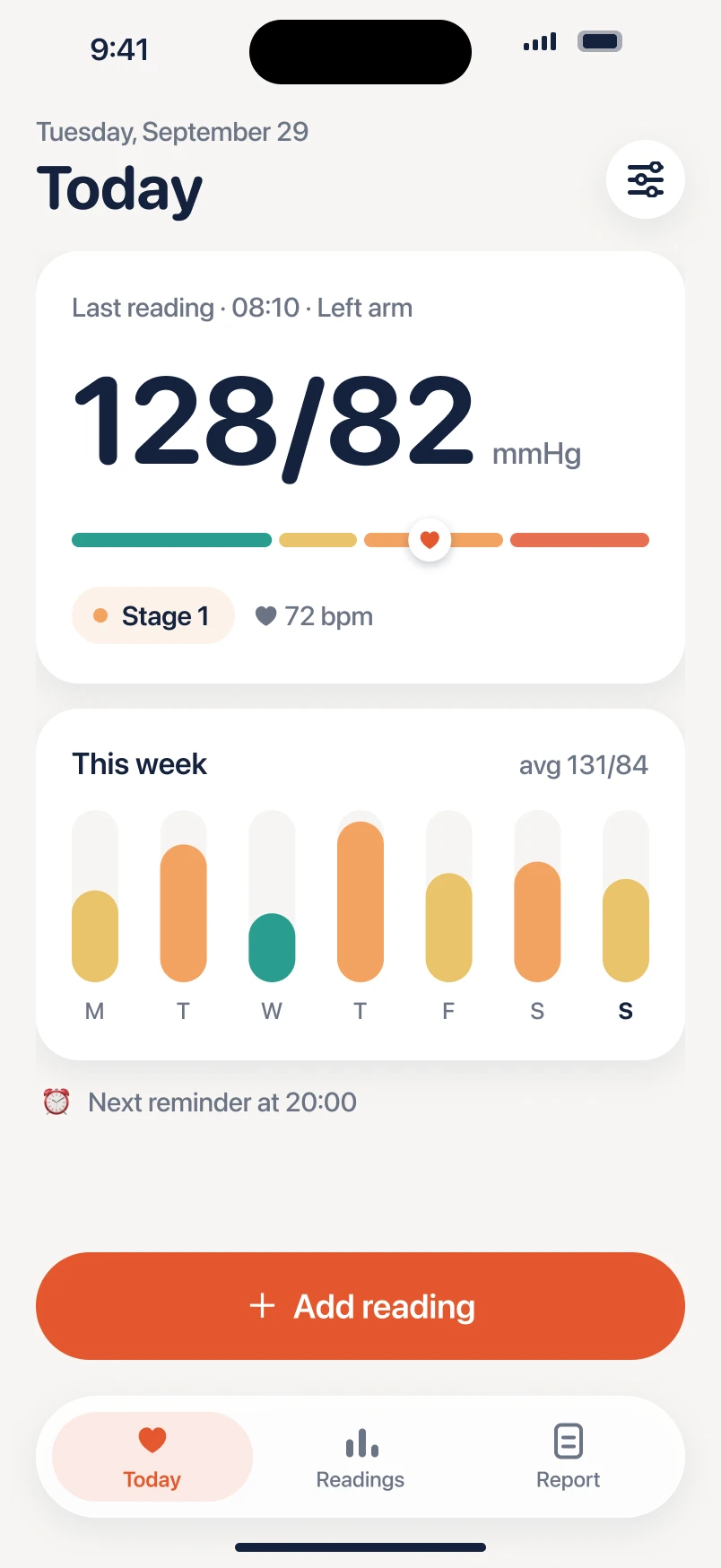
Systo turns it into a five-second habit — and gives you a clear, one-page report for your next visit.
Coming soon to the App StoreSysto doesn’t measure blood pressure. Use it with any validated cuff.
How it works
Measure
Use the cuff you already have, the way your doctor showed you.
Log or scan
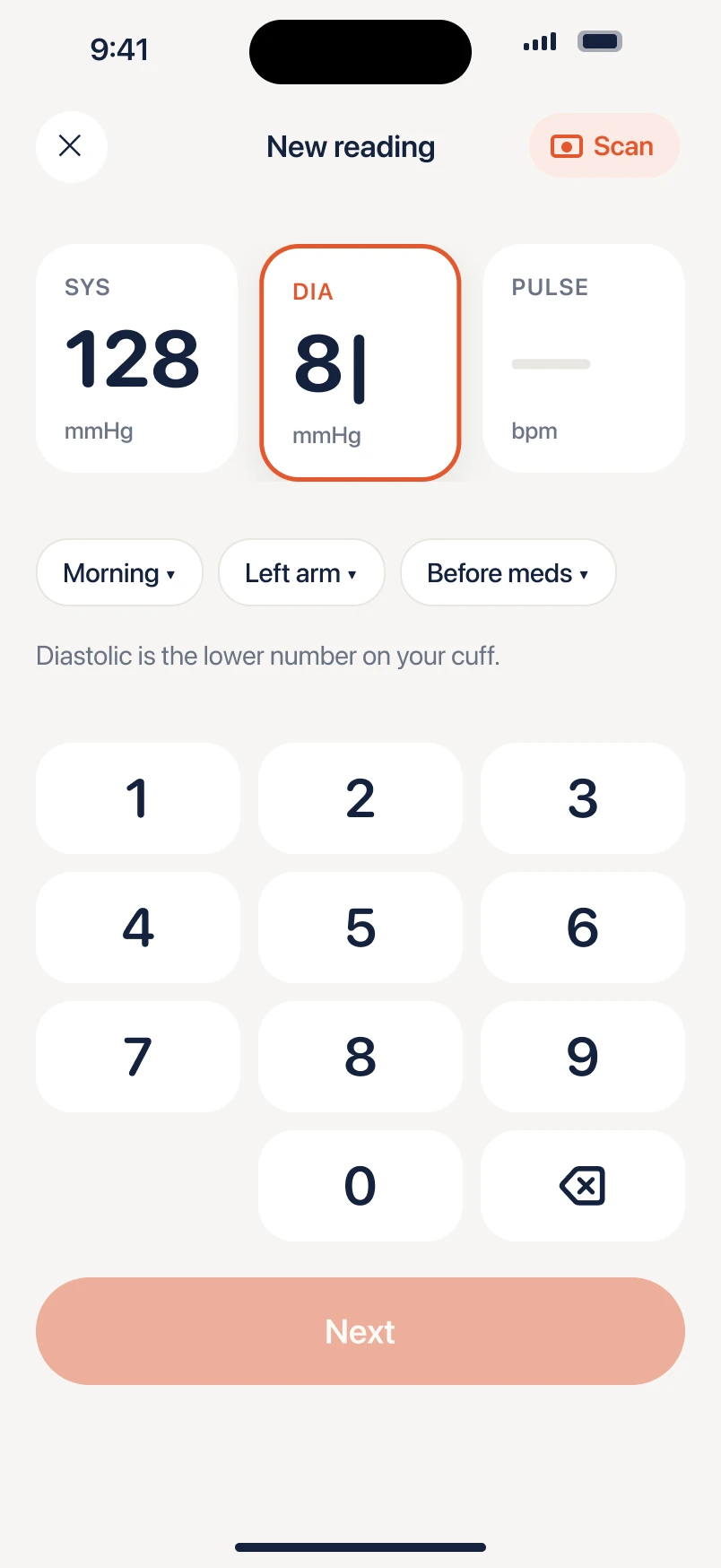
Type three numbers with big keys — or point your camera at the cuff.
Share
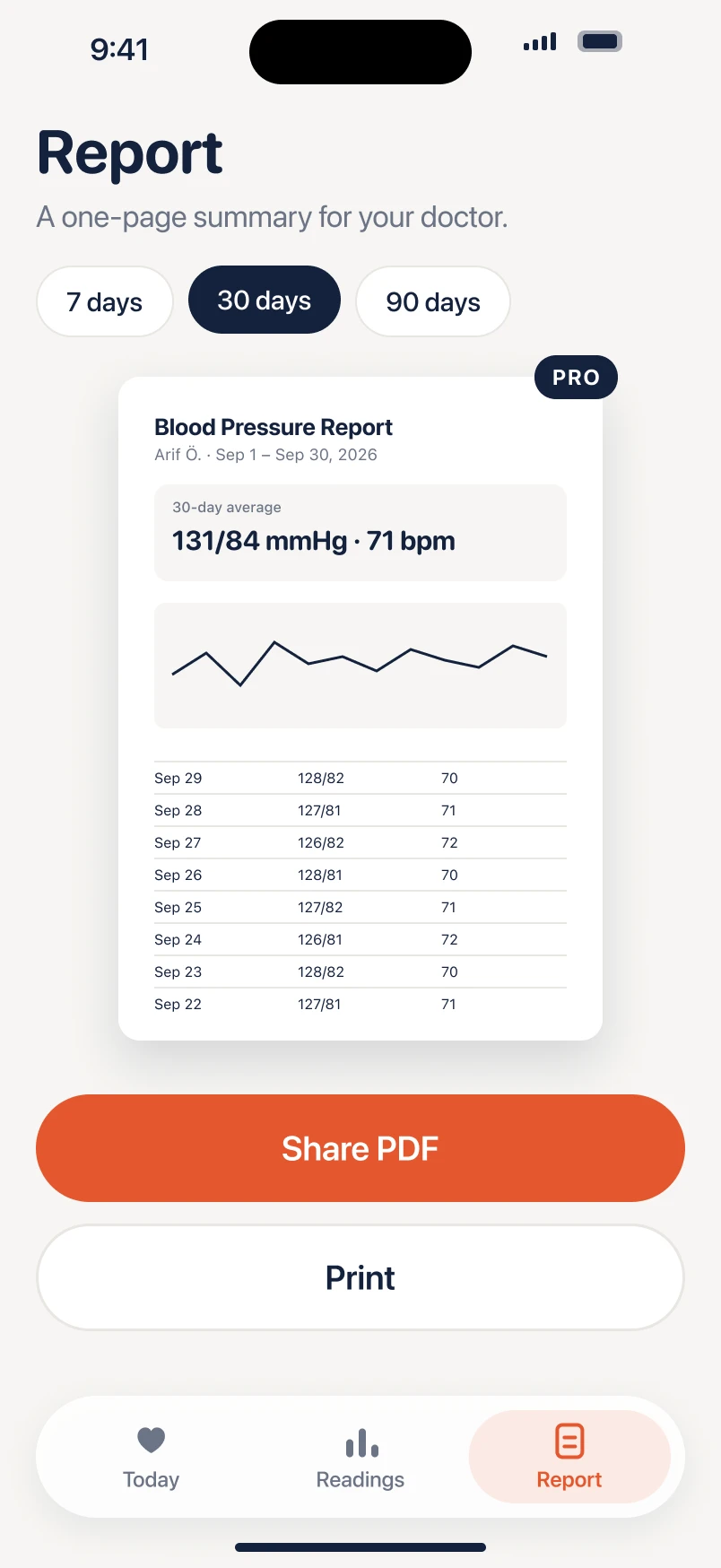
Send a one-page PDF to your doctor, or print it before your visit.
Made to be simple
No more notes on paper
Every reading is saved with the time, arm and whether you’d taken your medication.
Your real trend
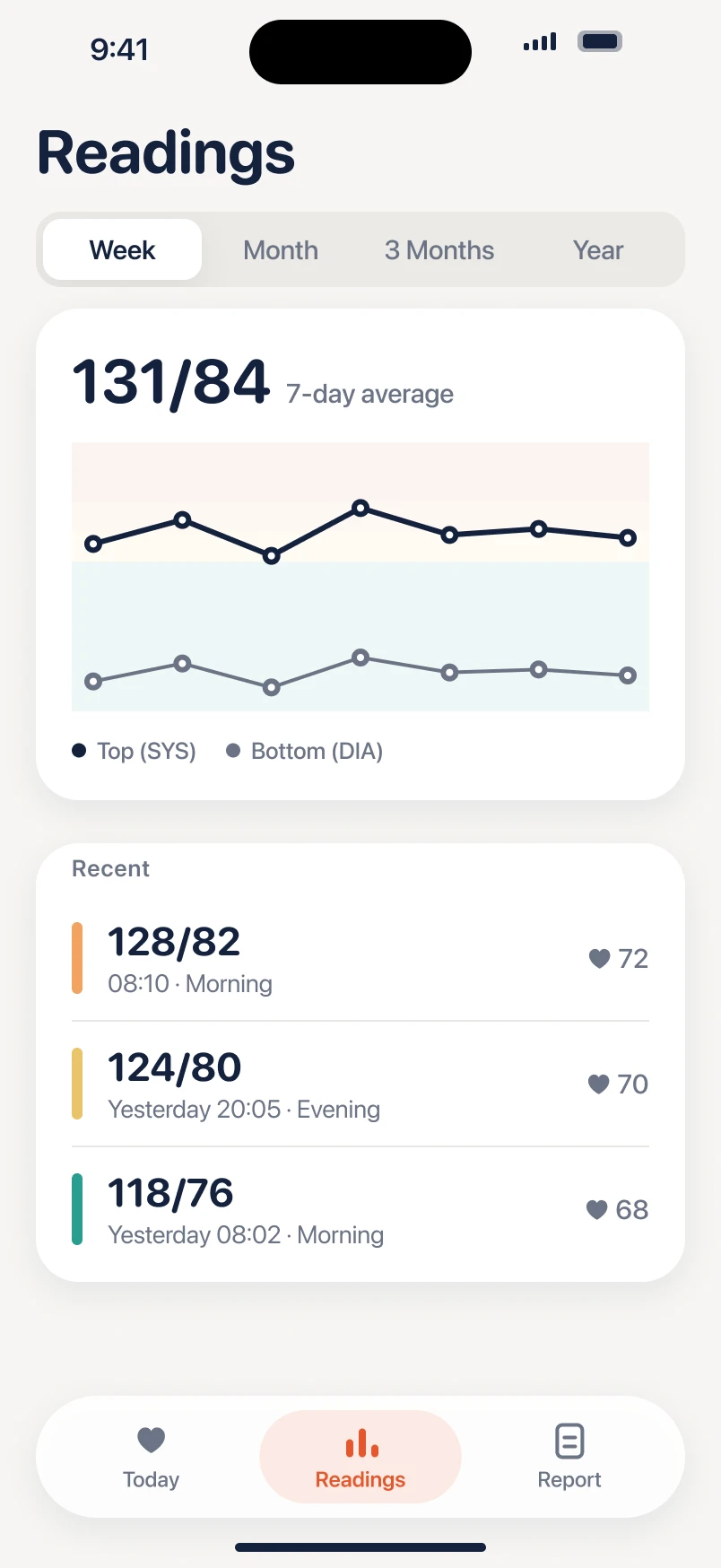
Single readings jump around. Systo shows the weekly average your doctor looks at.
Plain words
Each reading is explained in everyday language, with the colour range from the guidelines.
Gentle reminders
Morning and evening nudges so measuring becomes a routine.
Your numbers stay yours
- Readings stay on your iPhone and your own iCloud.
- No ads. No account. No tracking.
- Apple Health sync only if you turn it on.
Questions
Does Systo measure my blood pressure?
No. No app can measure blood pressure with an iPhone camera or finger. Measure with a validated cuff, then log the numbers in Systo.
Which monitors does it work with?
Any upper-arm or wrist monitor. You type the numbers, or scan the display with your camera.
Can I share the results with my doctor?
Yes. Pick a period and Systo creates a one-page PDF with your averages, a chart and every reading.
Is it free?
Logging, history and reminders are free. Systo Pro adds PDF reports, cuff scanning and insights.
Doctor said to track your blood pressure?
Coming soon to the App StoreSysto is not a medical device and does not diagnose or treat any condition. Always follow your doctor’s advice. In an emergency, call your local emergency number.